AI & Future Tech
AI for Small Business: 5 Practical Uses Beyond Chatbots
When we discuss AI for small business, we start with the work: which task keeps repeating, takes too much time or needs several people to keep it moving?
That gives us somewhere useful to begin. You do not need to arrive with a technical solution. Tell us where the work gets stuck, and we can explore whether AI, automation or a simpler process would help.
5 practical ways to use AI in your business
1. Filtering information
If your team reads through messages, forms or documents to find the same details, AI can help extract and organise them. For example, it could separate a customer’s requested service, location and timing into fields your team can review.
The aim is to make useful information easier to find, rather than asking someone to read everything again.
2. Gathering what a customer needs
An enquiry often arrives without enough information to act on. A guided AI conversation can ask agreed questions, then prepare a brief for your team.
For a property enquiry, that might include the preferred area, budget and whether the person wants to rent or buy. Your team starts with context instead of repeating the same opening questions.
3. Preparing product updates
When supplier information changes, AI can help turn approved details into consistent product descriptions or proposed catalogue updates.
Prices, specifications and availability should come from your source records. AI should not fill missing product facts with guesses. A person can approve changes before they reach customers.
4. Organising daily sales and costs
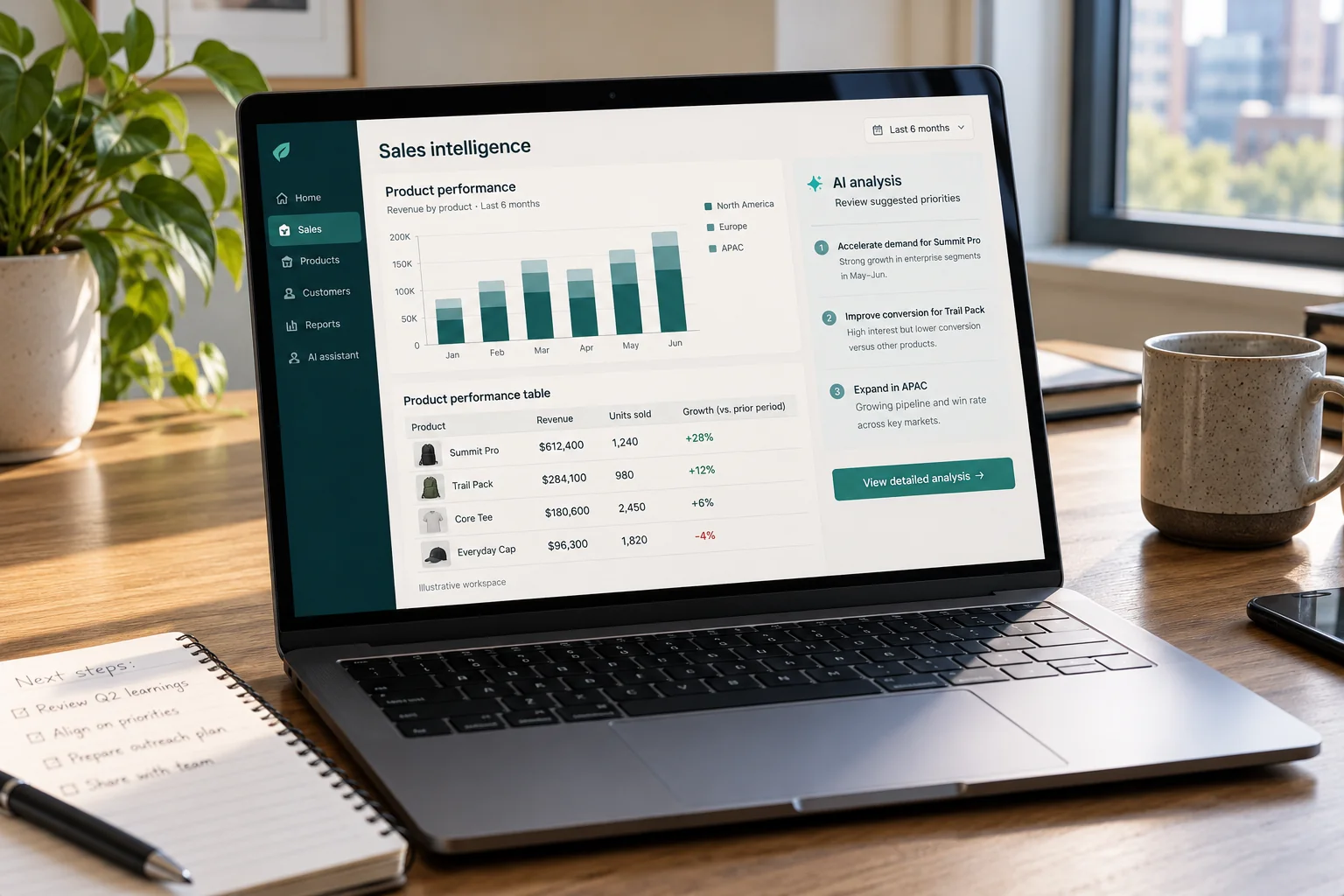
AI can help extract information from receipts and describe patterns in sales records. Connected software can calculate totals and prepare summaries for review.
This can reduce repetitive preparation, but the figures still need checking against your records. Your accounting system and the person responsible for the accounts should remain the reference for financial decisions.
5. Finding products worth promoting
Your bestseller is not necessarily your most profitable product. With reliable sales and cost data, a workflow can compare sales volume, margins and stock, then help your team identify products worth considering for a campaign.
AI can also draft campaign ideas from that analysis. Your team decides whether the recommendation makes commercial sense.
AI workflow automation: a property listing example
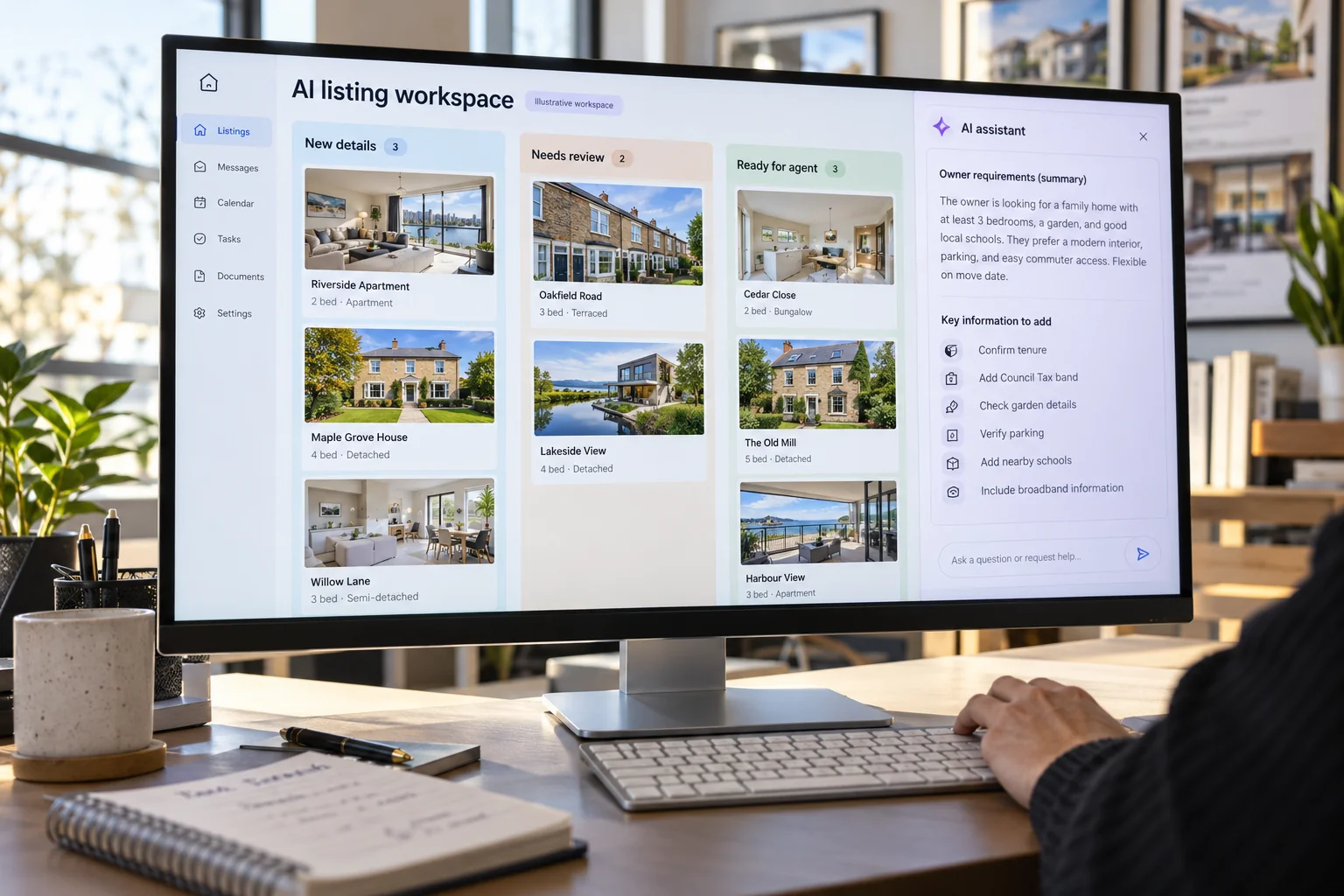
We have built an AI solution to support property agents reaching owners about selling or renting their properties, alongside managing the listings.
The problem was repetitive contact work. Reaching owners one by one takes time and energy that an agent could spend on conversations needing their attention.
That is a useful way to think about AI: improve a defined part of the work, rather than expecting it to run the whole business. For an outreach workflow, the contact list, message rules and handover to the agent need to be agreed as part of the setup.
Common questions
Can one AI system solve every problem in my company?
Usually, different problems need different workflows, data and connections. Some can share a system, but each task still needs a clear scope. Start with one useful job before expanding.
Is AI always cheap to implement?
A basic tool subscription and a tailored business workflow are different things. Setup, connections, testing and ongoing usage affect the cost. Define the task first so the solution matches the work involved.
How should a small business start using AI?
Replying to common enquiries is often a manageable first step. Begin with approved answers and a clear handover when a question needs a person. Check whether it saves staff time while keeping replies accurate and useful.
Bring us the problem
You do not need to know which AI tool to choose. Tell us what repeats, who handles it now and what you want to improve. Explore our business AI solutions and automation or talk through your workflow with us.
Digital Marketing
Google Ads vs Meta Ads: Which Is Right for Your Business?
Choosing between Google Ads and Meta Ads starts with your customer. Meta Ads includes advertising on Facebook and Instagram, which we focus on here. We ask: do you need to reach people already looking for what you sell, or introduce your offer to more people first?
That is usually more useful than asking which platform is cheapest. A long list of enquiries means little if nobody is a suitable customer. Equally, a product people have never heard of may need exposure before they consider buying.
Google Search Ads: reach people with a need
When we discuss Google Ads here, we mean Search ads, rather than every format Google offers.
Someone searching for an office renovation company already has a reason to look. Your job is to show that you offer the right service, in the right location, and give them a clear next step.
This is why we often consider Search for professional services and purchases where a relevant enquiry matters more than a large number of casual messages. A property viewing enquiry, for example, is more useful when the person is looking in the right area and price range.
Search intent is a useful starting point, not a guarantee of lead quality. Broad keywords or an unclear landing page can still attract the wrong people.

Meta Ads: discovery through Facebook and Instagram
Meta Ads can reach people scrolling through Facebook or Instagram who may not be actively shopping. A strong image or video can introduce something they did not know they wanted.
We often consider these platforms for ecommerce products and accessible offers that need sales volume. Imagine a practical home accessory: a short demonstration can make its usefulness obvious in seconds.
The tradeoff is that attention does not always mean buying intent. You may receive curious messages from people who are not ready to purchase. Your creative, price, targeting and enquiry process help qualify that interest.
Facebook and Instagram can also bring valuable customers for expensive services. The distinction is how you reach people, not a rule that one platform always produces better customers.
How to allocate your advertising budget
The budget needs a job before it needs an increase.
If Search is bringing relevant enquiries but people stop after receiving your quotation, review the offer and follow up. If a social ad gets attention but few purchases, check whether the ecommerce product page answers questions about price, delivery and trust.
Splitting a small budget across every platform can also make it harder to learn what works. Start with a clear reason for each channel and decide what would justify moving more budget towards it.
Compare suitable enquiries, bookings or profitable orders, rather than just clicks and message counts.
How long should you test Google or Meta Ads?
Do not plan around one month delivering a finished answer. You need room to test the message, assess enquiry quality and improve what happens after the click.
That does not mean paying indefinitely and hoping. Agree on the budget, what you will measure and when you will review it. Broken tracking or obviously irrelevant enquiries should be addressed promptly.

Common questions
Should I use Google Ads and Meta Ads together?
Only if each has a clear role and your budget can support a useful test. For example, Meta Ads can introduce an offer while Google Search Ads reach people looking for it. With a limited budget, start with the channel closest to how your customers buy.
Will Google Ads always convert better?
No. Search can reach people with an existing need, but the offer, competition, page and sales process still affect the outcome.
What should I prepare before starting?
A sustainable budget, a clear offer, suitable images or video, a working enquiry or purchase page, and someone ready to respond. Agree on conversion tracking so you can measure more than traffic.
Start with your customer, then choose the platform
Tell us what you sell, who you want to reach and what a useful result looks like. Explore our Google and Meta Ads service or discuss your campaign.
Website & Ecommerce
Landing Page vs Website: Which Does Your Business Need?
When someone asks us whether they need a landing page or a business website, our first question is: what are you building it for?
Are you introducing your company, promoting one property or filling places for an education programme? Will visitors come from an advertisement, a Google search or a referral?
Start there. The purpose should guide the structure, rather than choosing a page count and trying to fit everything into it.

Landing page vs business website: what is the difference?
A landing page usually suits a specific offer with one main action, such as booking a viewing or registering interest in a class.
Think of someone clicking an ad for a property development. They want that property’s location, layouts and viewing details. Sending them to a general company homepage makes them search for it again.
A landing page should continue the conversation started by the ad.
A business website has a broader job. It introduces your company, builds familiarity with your brand and gives visitors room to explore your services, products or previous work.
We usually recommend it for a corporate presence or a business with several things to showcase. Someone checking your company before contacting you may need more than the details of one offer.
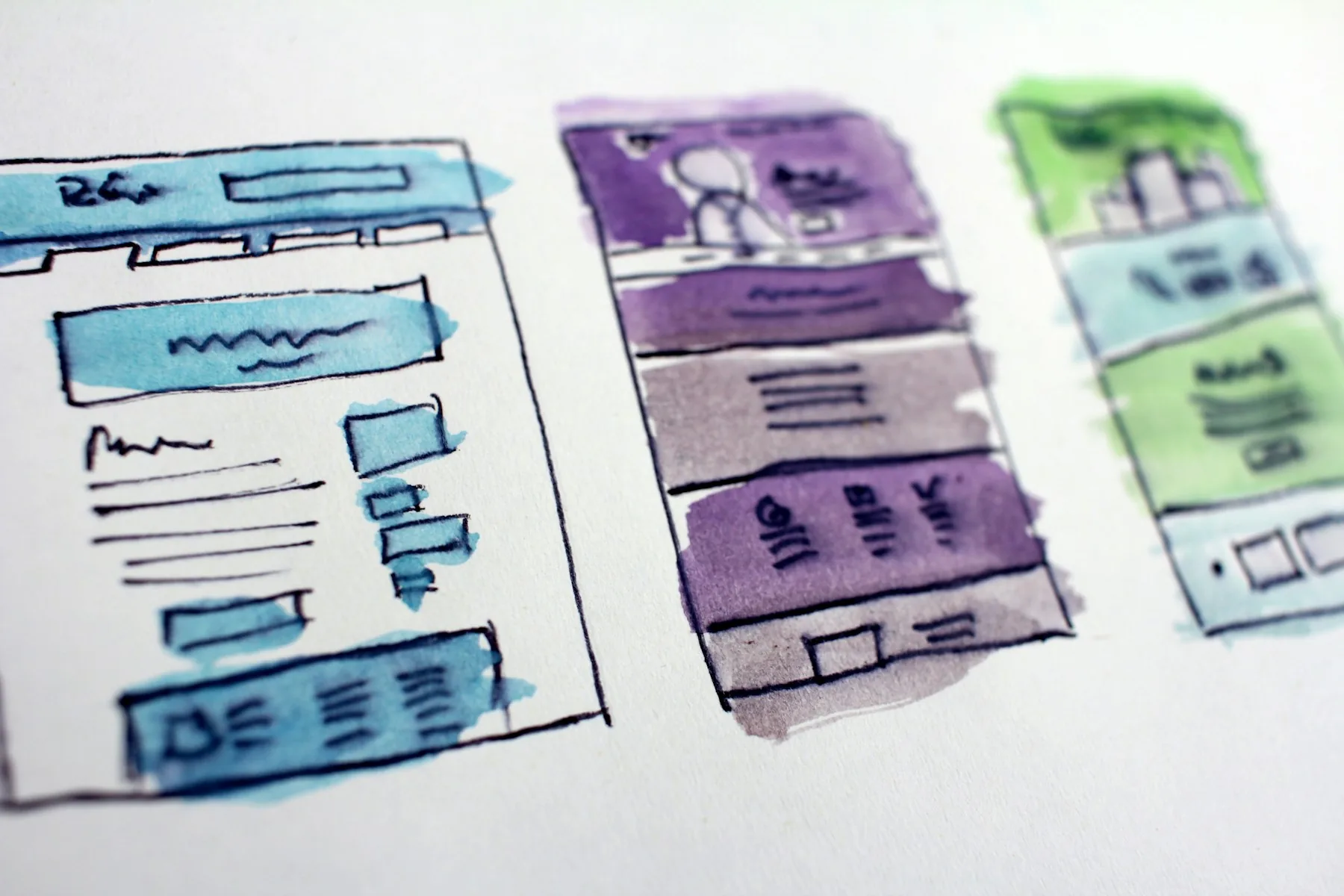
How to structure a landing page or business website
For a landing page, keep the information in a sequence that helps someone decide:
- The offer and who it is for.
- The details they need, such as location, dates or what is included.
- Relevant photos, examples or genuine customer feedback.
- Answers to common questions.
- A clear way to enquire, book or register.
For a business website, a useful starting structure is Home, About, Services or Products, Projects, and Contact. Each page should answer a different set of questions. A business with several detailed services may need separate service pages.
These are starting points. If a section does not help your customer understand the offer or trust the business, it probably does not need to be there.
Plan your website traffic before launch
A website going live does not mean enquiries will immediately arrive.
People still need a way to find it. That could be Google Ads and social media advertising, SEO, referrals or an audience you already have. The page then needs to give those visitors a reason to contact you.
This is why we discuss the traffic plan alongside the build. A campaign page without visitors cannot do much, and an ad sending people to an unclear page can waste an opportunity.
When comparing quotes, look at the content, design and functionality included. The cheapest build is not necessarily the best fit. Set aside a budget for attracting visitors too, if you do not already have a reliable source of traffic.

Common questions
Is a landing page still a website?
It is a web page and can stand alone or sit within a larger website. When we discuss a landing page package, we mean a focused page for one offer or enquiry goal.
Can I use my business website for ads?
Yes. An existing service or product page may work if it matches the ad and makes enquiring straightforward. You do not need a new landing page for every campaign, but a general homepage is not always the best destination.
Can I have a business website and a landing page?
Yes. Your business website can introduce the company while dedicated landing pages support particular campaigns. They serve different purposes and can work together.
Does showcasing products mean I need ecommerce?
Only if you need online purchasing. A product catalogue with quotation enquiries is a different scope from an ecommerce store with checkout and payments. Explain how customers should buy before choosing a package.
Tell us the goal first
Bring three answers: what you want to promote, where visitors will come from and what you want them to do.
We can then help you choose a suitable scope. Explore our website design and development packages or tell us what you are planning.
 DIGITAL